 Contents
Docker
3 July 2025
Video
Video
Video
Docker conatiner lifecycle
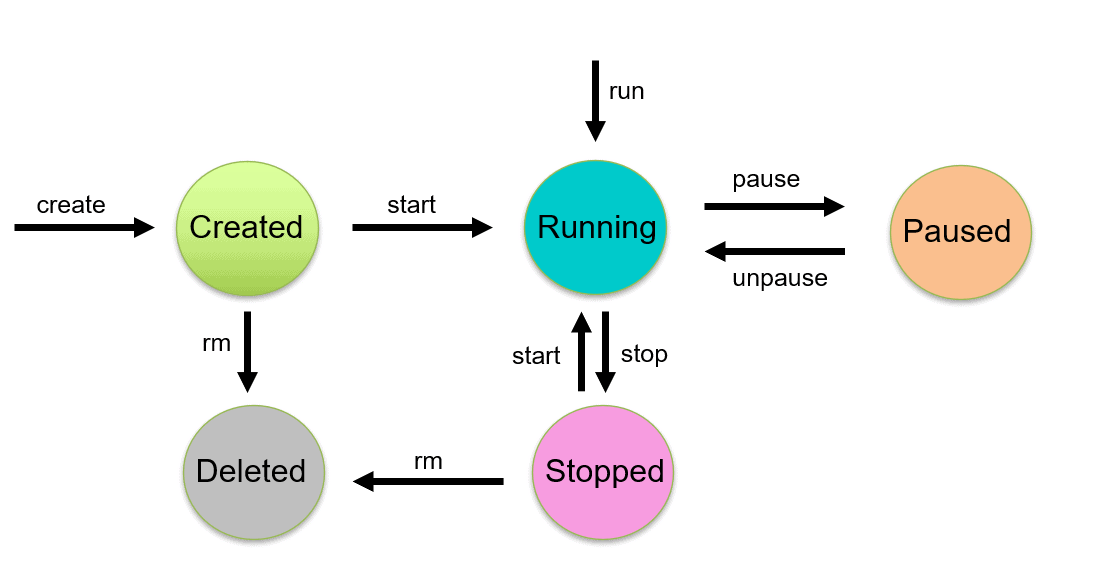
| Command | Starting State | Action |
|---|---|---|
docker run | Image (None) | create + start it. |
docker start | Stopped | Resumes an existing container. |
docker restart | Running/Stopped | stop + start. |
docker unpause | Paused | Resumes frozen processes in memory. |
Core Distinctions
Pro Tip: Use
docker runfor new instances anddocker startto resume work on an existing container to preserve file changes not saved in a volume.
When to use which?
run: Your "Go-To" for launching a service for the first time.start: When you've previously stopped a container withdocker stopand want it back.restart: Best for clearing memory leaks or applying config changes.unpause: Best for ultra-fast resumption without the overhead of a full boot cycle.
Run new docker image
docker run -d -p 49161:1521 -p 5000:8080 -v db-vol:/opt/oracle/oradata oracleinanutshell/oracle-xe-11g
-d: Run images in detach mode-p: Port mapping from container port8080to client port5000-v: Mount data volume
Command
Image management
docker image inspect: See image info
docker image prune: Delete unsed images
docker rmi <image_id>: Remove image from local storage
docker build -t <name> .: Create a custom image from a Dockerfile in your current directory.
Container management
docker ps -a: List all container
docker rm: Delete a stopped container
docker kill <container_id>: Force stop the container
docker stop <container_id>: Stop the container
Clean up
docker system df: Amount of storage docker used
docker system prune: Removes all stopped containers, unused networks, and dangling images.
Dockerfile
Dockerfile
Instructions for Docker to build an image
Here's a simple Dockerfile
FROM python:3.13.12-slim

COPY . /app
WORKDIR /app


RUN python3 -m venv /opt/venv

RUN /opt/venv/bin/pip install pip --upgrade && \
    /opt/venv/bin/pip install -r requirement.txt && \
    chomod +x entrypoint.sh

CMD ["/app/entrypoint.sh"]
Let's break down this Dockerfile
FROM: Create a new build stage from a base image
COPY: Copy files and directories
When you use ./, you are telling Docker explicitly that the destination must be a directory.
-
With the slash
./: If the directory /app (your WORKDIR) somehow doesn't exist or there is an error, Docker knows you intended to put files inside a folder. -
Without the slash
.: If you were copying a single file and the destination didn't exist, Docker might rename your file to the name of the destination instead of putting it inside the folder.
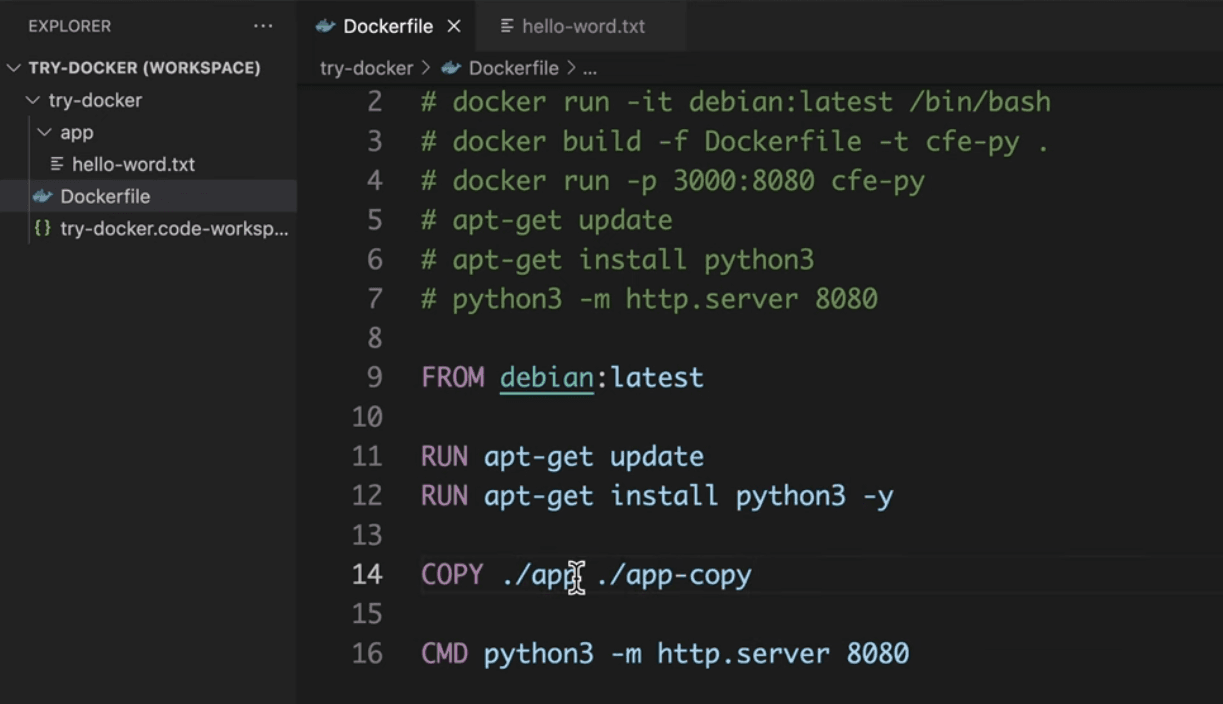
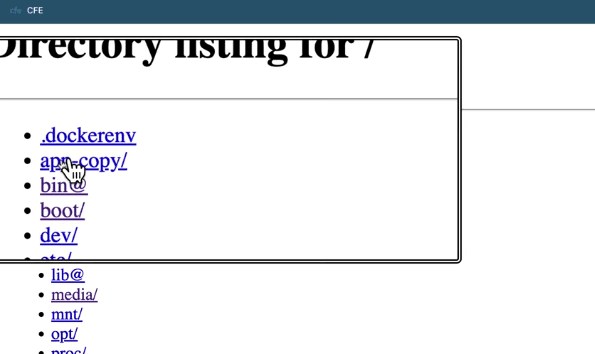
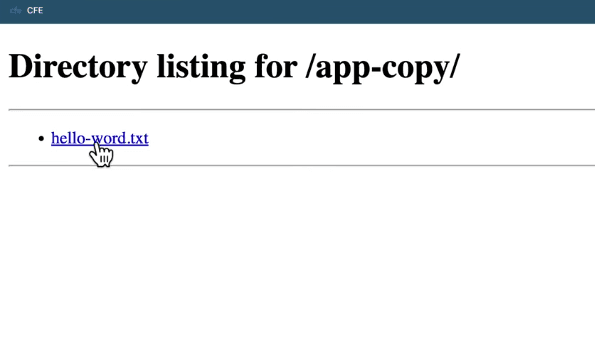
WORKDIR: This just changes the directory
RUN: Execute build commands.
CMD: Command to be executed when running a container from an image.
Run docker image
Run with .env file
docker run --env-file .env -p 3000:3000 your-image
Tips
-
Use node:20-alpine for lightest weight and secure nodejs's dockerization
-
Most instructions in a Dockerfile (
RUN,COPY,ADD) create a new, immutable layer
Compose file
compose file
Used to configure your Docker application’s services, networks, volumes, and more.
docker-compose.yaml
services:
  api:
    build:
      context: .
      dockerfile: Dockerfile
    environment:
      - NODE_ENV=development
    env_file:
      - .env.local
    ports:
      - "4000:4000"
Run compose
docker compose upMake with by Nguyen Huu Dat
© 2025